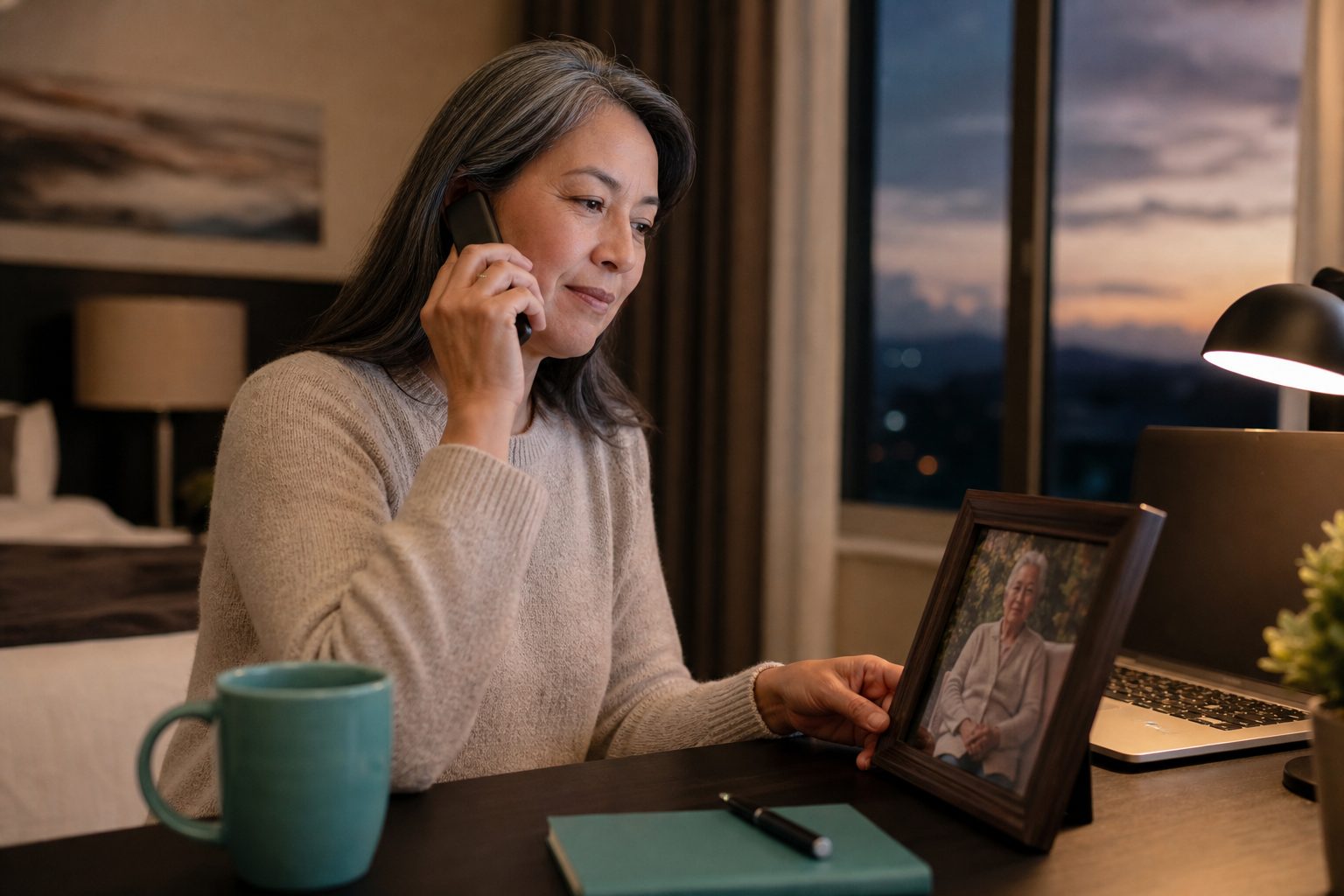


Is there a service that checks on a parent who lives alone?
Yes. Check-in services for a parent living alone come in five types: an app they tap each day, a scheduled check-in call, a text they reply to, sensors in the home, and a conversation call like Kinse. Each one lets family know if the expected response doesn't come.
About 27% of women ages 65 to 74 live alone, and 43% of women 75 and older do (U.S. Census Bureau, 2022 Current Population Survey). Many of their children live hours away and spend the day wondering whether their parent got up, ate, and took the morning pills.
If you live alone and want someone to check on you, you have the same choices.
How the five kinds of check-in services compare
Check-in services mainly differ in what your parent needs to do each day and what happens if they don't. Apps need a tap, check-in calls need an answer, texts need a reply, sensors need nothing, and conversation calls need a few minutes of talking.
Daily check-in apps ask your parent to open the app and tap a button during a time window they choose. If they don't tap, the app reminds them, then alerts the contacts on file. Many offer a free basic tier and work well for someone who already uses a smartphone every day.
Scheduled check-in calls ring at a set time. Many free local programs use a short recorded call or a volunteer. If no one answers after a few tries, the program contacts a family member or neighbor, and some ask local police for a welfare check.
Text check-ins send a message to a basic cell phone and wait for a one-word reply. Home sensors on a door, the refrigerator, or a coffee maker flag a quiet morning without your parent having to do anything, though movement says little about how someone feels.
On a conversation call, your parent talks for a few minutes instead of pressing a button. With Kinse, Cora calls at the times you choose, asks about their day, and can remind them about medicines, meals, and appointments. You get a short summary after each call. Talking can bring up things a tap never would, like a missed lunch or a prescription that ran out on Tuesday.
Where to find free check-in calls near your parent
Free daily check-in calls, often called telephone reassurance programs, are run by Area Agencies on Aging, senior centers, and some police and sheriff departments. To find one near your parent, call the Eldercare Locator at 1-800-677-1116 or search by ZIP code at eldercare.acl.gov.
The Eldercare Locator is run by the U.S. Administration for Community Living. It connects you to the Area Agency on Aging for your parent's county, which can tell you whether a telephone reassurance or friendly caller program operates there and whether a spot is open.
Some police and sheriff departments run a daily call program and send an officer if no one answers. Call the non-emergency line in your parent's town and ask whether they offer one.
A free program works well if a quick hello at the same time each day is enough. Expect fixed call times, a waitlist in some counties, and not much news for family beyond whether the call was answered.
What works if your parent does not use a smartphone
If your parent does not use a smartphone, pick a check-in that calls the phone they already answer. Scheduled check-in calls, text check-ins to a basic cell, and conversation calls such as Kinse all work without an app. Home sensors need nothing from them.
Kinse works with any phone, home phone or cell, old or new. Your parent doesn't need to download anything or log in. They just pick up, talk with Cora, and hang up.
After the first call, save the number in their phone as "Cora" so they know who's calling next time. Many people don't answer unknown numbers because of scam calls, so seeing a familiar name helps.
How Kinse check-in calls work
A Kinse check-in is a phone conversation with Cora, usually a few minutes and never more than 10. Cora asks one thing at a time in plain words, follows what your parent wants to talk about, and remembers what they said last time. You choose the days and times in the Kinse app.

Cora is the voice on every call. Cora isn't a person or a recording. If your parent asks whether Cora is a real person, Cora tells them the truth. Cora never asks for money, bank details, or passwords.
Medication reminders are short calls, usually a minute or two. Cora names each medicine and asks if your parent has taken it. Nothing is marked as taken unless they say so. If a check-in and a medication reminder are close together, Cora may cover both in one call. You can also add short reminder calls for meals, hydration, bedtime, or exercise, and any upcoming appointment, like the doctor, the dentist, or lunch with a friend.
After each call, you and anyone you invite to the care team read the same short summary in the Kinse app, including whether each medicine was taken, missed, or declined. Kinse does not record calls.
Kinse is priced for each person it calls, from $29 a month. On Essentials, each person adds 150 call minutes a month to one shared total. Everyday adds 220, and Family adds 280. A check-in lasts up to 10 minutes, and a reminder call lasts up to 2 minutes. Calls that go unanswered use no minutes. You can make a free account and talk with Cora yourself for 3 minutes, with no credit card, before you choose a plan.
What happens when a check-in is missed
A missed check-in should start a plan your family wrote down in advance: who calls your parent first, who lives close or holds a key, how long each person waits, and when to ask local police for a welfare check. Settle it now, while nobody is panicking.

If your parent doesn't answer a Kinse call, Cora tries once more a few minutes later. If Cora still can't reach them, you get an alert in the app, by email, or by push notification. Sometimes the phone is just in another room. The alert is a reason to call them yourself or ask a neighbor to knock.
If a medicine is missed or declined, the care team gets an alert too. If your parent mentions a fall or chest pain on a call, Cora tells them to call 911, and you get an alert. Kinse is not 911 and does not send anyone to the house.
Give a spare key to a trusted neighbor and include your parent's local police non-emergency number in your plan. It's easier for everyone if a welfare check doesn't mean forcing a door open.
Which check-in service fits your parent
Choosing the right check-in service depends on whether your parent can remember a daily task, which phone or device they actually use, and how likely they are to fall. If you answer these questions honestly, you'll usually find just one or two good options.
Begin by thinking about memory. An app that needs a daily tap won't work on the day your parent forgets, which is when you need it most. A scheduled call only asks them to answer the phone.
Next, consider which phone your parent actually uses. If the smartphone you bought them stays in a drawer, pick a service that calls the phone they answer, even if it's the home phone in the kitchen.
Falls are a separate concern because no check-in service can handle them well. More than 14 million adults 65 and older, about one in four, report a fall each year (CDC). A daily check-in could still leave someone on the floor for hours. If your parent has fallen before, add a medical alert device they can wear.
Many families use more than one solution: a medical alert for falls, a free local call or Kinse for daily conversations and reminders, and a written plan for missed check-ins.
How to set up check-ins without your parent feeling watched
Parents are more likely to accept check-ins if they choose the time, know who will hear about a missed call, and get something out of the call themselves. Explain that it helps with your own worry. They haven't done anything wrong.
Begin with something that happened. Saying, "I called three times on Sunday and couldn't reach you, and I worried all afternoon," feels very different from saying, "You shouldn't be alone."
Connect the call to a habit your parent already has, like morning coffee or their first pill of the day. A morning call also means less time could pass before someone notices a problem after a rough night.
With Kinse, there's no camera and nothing to wear. Your parent just answers the phone they already have and talks about their day. If they ever want the calls to stop, they can tell Cora, and the calls stop.
When a check-in service is not enough
A check-in service isn't enough when the risks run through the whole day, not just one moment of it: leaving the stove on, wandering, repeated falls, or confusion that a short call can't catch. Then it's time to add help at home and talk with their doctor.
The National Institute on Aging lists more support for people living at home, like meal delivery, friendly visitor programs, home health aides, adult day programs, and geriatric care managers who coordinate everything. Your parent's Area Agency on Aging can help you find local options.
Kinse isn't a doctor or nurse, doesn't give medical advice, and isn't a medical alert. It's a phone call at the times you choose, with a summary you can read from anywhere.
How we wrote this guide
This guide was written by Anthony Awoyele, a gerontologist and the founder of Kinse. The Kinse details explain how the product works right now. Statistics are from the U.S. Census Bureau and the CDC, and program information comes from the U.S. Administration for Community Living and the National Institute on Aging.
We describe other check-in services by how they work, not by brand name, and we haven't tested other products in homes. Free programs and paid plans can change, so check the details with the provider before choosing.